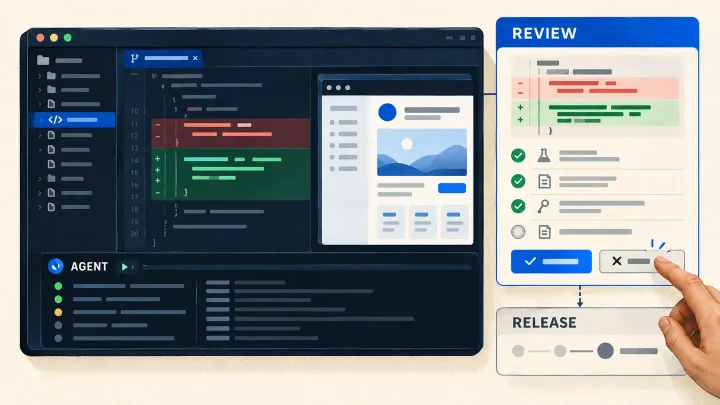
Imagine a team asking AI to add a download feature to maintenance software. An operations manager needs completed jobs for the month in a CSV file she can open in Excel. The request is clear, but the working copy has no initialized database and no account the tool can use to sign in.
The AI searches for startup instructions, tries commands and stops before testing the button. Rewording the download request would not resolve these problems. The team needs to prepare the tools and data required for the work.
Developers sometimes call this surrounding setup a harness: the instructions, commands, access and ways of continuing work that support the AI model. It can be simple. Its value depends on what it actually enables the tool to do.
Provide a clear starting point
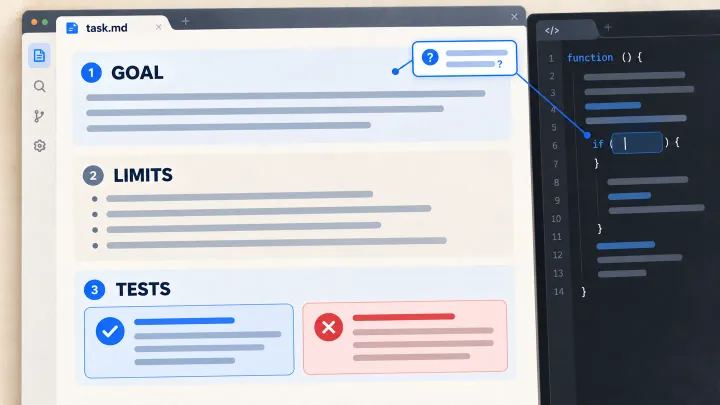
A fresh AI session needs to find the current request and application rules. For this download, those include the definition of a completed job and the requirement to keep customer companies’ records separate. The feature brief records those decisions.
The team can maintain a short starting document alongside the source code. It points to the rules, explains how to run the application, lists checks and says when to ask for help. Detailed decisions remain in their usual documents, with an owner and a clear indication of what has been approved.
Keep old and new instructions from contradicting each other. A working note proposing a rule change should not look like an approved decision. Text found in a ticket or external page should not expand the tool’s permissions either.
Prepare a copy that starts reliably
The AI needs a known application version, its required components and test data. For this example, prepare fictional companies, accounts with different permissions and jobs in several states.
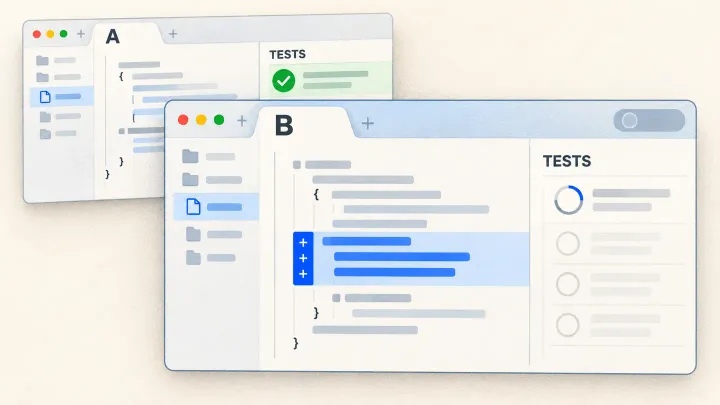
Try the setup procedure from a clean installation. If a colleague has to create a missing database table or add an undocumented setting, record the step and make it repeatable. The team can then distinguish a defect in the proposed code from a setup failure.
Access also needs configuration. A working copy in a separate directory is insufficient if it inherits credentials for the live customer system. The permissions article explains how to limit files, data and connections to what the work requires.
Return errors that explain what needs fixing
A result that says only “failed” leaves the reader searching for what was attempted. A useful result might say: “The account for company A downloaded a job belonging to company B.” It also identifies the software version and fictional data used.
The team and AI can now investigate why the company filter was not applied. They need to reproduce the error and compare the actual file with the expected one. If the problem concerns the screen, the test copy must also let them open that screen and use its button.
Test logs do not need real customer records. Keep enough information to diagnose the problem, with appropriate access and retention limits.
Plan for the session ending
A job may continue across several AI sessions. At the end of each one, a short note can identify changed files, the current version, completed checks and remaining work. For example, an authorized download works, but an attempt with a different account still needs testing.
Anthropic’s work on long-running agents describes progress documents supporting this continuity. The next session still needs to compare the note with the files and results it finds. Someone may have changed the code in the meantime.
Fix an observed obstacle and check whether it helps
During a trial, record where the AI lost time: finding a rule, starting the application, understanding an error or resuming work. Correct the observed obstacle and repeat a comparable task. Include retries and human review time in the assessment.
OpenAI’s report on coding-agent environments and Anthropic’s report on long-running development offer design ideas. They describe their authors’ contexts; your team needs to test what helps with its own software.
A usable environment does not remove the AI’s reasoning or coding errors. It lets the team observe them after setup obstacles have been addressed. The next article examines tests that can detect consequential errors.
Was this article useful to you?
Your feedback goes privately to TechnoConception. No account or email is required.
How this feedback is handled
Responses expire after 90 days. They are not published or used as sales enquiries. A daily pseudonymous network identifier expires after 24 hours to limit abuse. Expired records are deleted by an hourly cleanup. The feedback database does not store your IP address; hosting security logs may still process it.
This browser stores only a receipt and your rating until the response expires, to reduce accidental duplicates. It does not store your comment or editing key. You can update a response during this page visit; after leaving, it becomes read-only in this browser.
Privacy policy