Imagine maintenance software that lets managers download completed jobs for the month. They open the CSV file in Excel to prepare their report. After an AI-assisted code change, some jobs from the last day of the month disappear from the download.
The application stays online. The button works and the file opens. Yet reports prepared from it may be incomplete. This fictional incident follows recovery through to users’ work, beyond repairing the software itself.
Describe exactly what is wrong
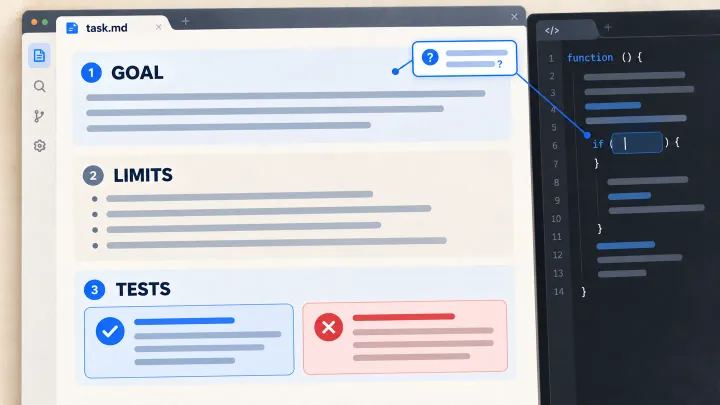
The first report should help identify the file, requested period, customer company and software version involved. Compare expected jobs with downloaded records. The problem could lie in the file, the screen or a difference between the rules each applies.
In this scenario, the team reproduces a date-handling error: the download stops at the start of the last day when the report should include the whole day. It prepares fictional jobs on both sides of that boundary to check the correction.
A monitor reporting only that the website responds would miss this failure. Useful monitoring needs to examine the result the manager depends on: a complete list of eligible jobs.
Stop producing more incorrect files
The team needs to know who can disable downloads while leaving other features available. It also pauses the relevant automated releases during the investigation. Someone coordinates the correction and decides how affected users will be informed.
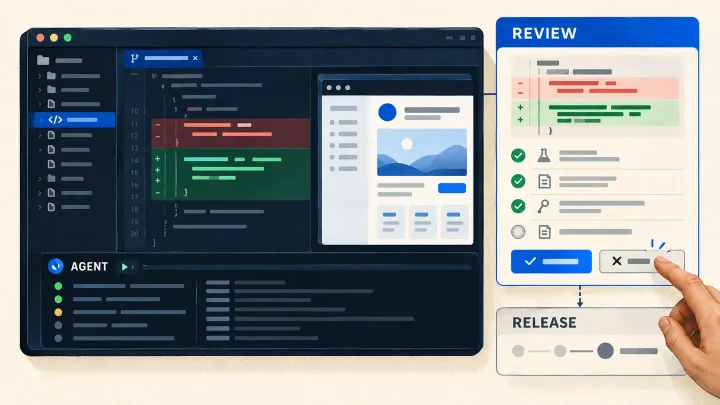
AI can help compare versions or prepare a test that reproduces the error. It uses the agreed access, and its proposed fix follows the review process. Urgency should not automatically give it additional permissions.
Google’s incident-response guidance emphasizes clear responsibilities, coordination and a record of the work. A small team can apply this by naming who leads the repair, who communicates and who authorizes restoration.
Identify files people have already used
After the repair, a new download may be correct while several users still hold an incomplete copy. The team needs to identify affected requests, prepare corrected files and tell authorized users which copy to replace.
It also needs to determine whether those files were used to prepare other reports. Replacing a download does not automatically correct a table someone populated from it. Follow-up actions therefore need owners even after the software works again.
| Recovery work | Result to establish |
|---|---|
| Repair the feature | The download includes every expected job |
| Identify affected users | Relevant requests are identified from available records |
| Provide a correction | The right people receive the correct file and an explanation |
| Track consequences | Reports or actions needing repair have named owners |
| Authorize future releases | A test reproduces the defect and the corrected version passes it |
These activities can proceed in parallel. Keep unfinished actions visible instead of closing the incident as soon as the button works.
Choose a repair that fits the change
Restoring earlier code may resolve some incidents. If the update also changed stored data or its structure, the earlier code may be incompatible with the current state. The team then needs to check the recovery procedure or prepare a forward correction.
Before repeating an operation in another service, establish whether it already completed. A lost response does not mean the action never happened. Recovery needs to avoid creating duplicates or sending the same document repeatedly.
Keep the information needed for diagnosis: versions, filters, times and test results. Fictional data can often reproduce the defect. Investigation does not require indefinite retention of customer files or secrets.
Check recovery before resuming automation
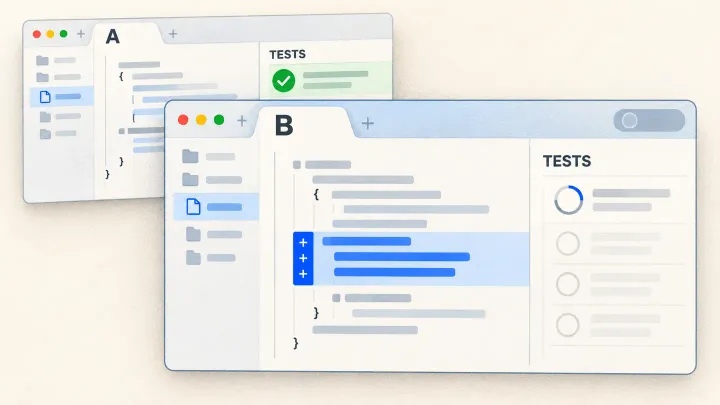
Add a test reproducing the month-end error. Verify the corrected version and decide what to observe after restoration. Normal availability or a few successful downloads may not show that this specific case works.
Google’s canary-release guidance describes initially limiting use of a new version to observe its behavior. This helps only if the usage or checks encounter the important case. Those users are still exposed to the feature; limited distribution does not make prohibited data disclosure acceptable.
Then decide whether automated releases may resume under the same rules or need an additional review. This decision can be separate from restoring service. The first article explains how to adjust AI autonomy; the final article includes recovery work when assessing a trial.
Was this article useful to you?
Your feedback goes privately to TechnoConception. No account or email is required.
How this feedback is handled
Responses expire after 90 days. They are not published or used as sales enquiries. A daily pseudonymous network identifier expires after 24 hours to limit abuse. Expired records are deleted by an hourly cleanup. The feedback database does not store your IP address; hosting security logs may still process it.
This browser stores only a receipt and your rating until the response expires, to reduce accidental duplicates. It does not store your comment or editing key. You can update a response during this page visit; after leaving, it becomes read-only in this browser.
Privacy policy