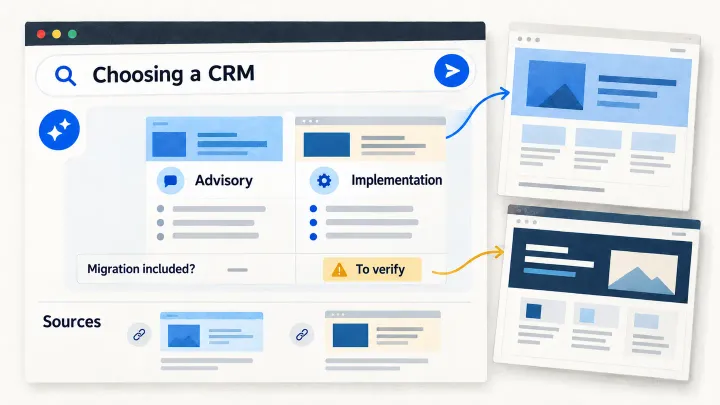
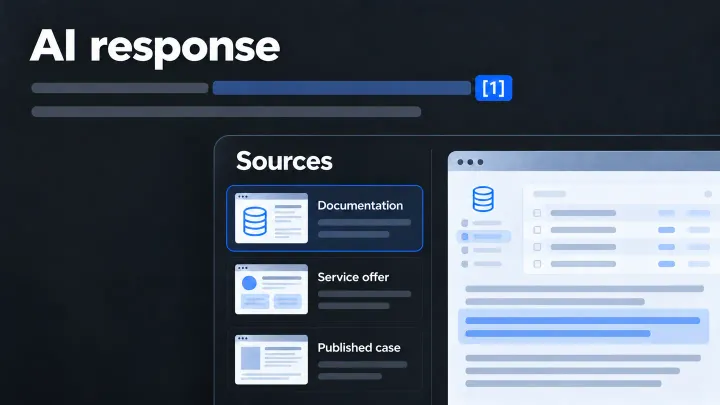
Your company publishes a page describing its main service. You can open it in your browser, but you cannot find it in an AI assistant’s answers. Several explanations are possible: the search service cannot read it, it has not selected it, or the page does not answer the question well enough.
A technical check examines the first possibility. Before commissioning a redesign, ask which obstacle has been observed on which page.
What a crawler does on your website
A search crawler is a program that visits web pages. It may collect text that helps a search engine find information later. Other programs open a page at a user’s request. Some collect content that may be used to train AI models.
These uses have different controls. Wanting your site to appear in search does not necessarily mean accepting every training use. The owner chooses which uses to allow, then the web provider checks how to apply that choice to each service.
A file called robots.txt gives instructions to crawlers. Behaviour depends on the program concerned; one rule should not be assumed to cover every assistant and function.
Ask for a check on a real page
Choose the page for your main service. Give its address to the web provider and name the search engine or assistant to check.
The provider first needs to confirm that the program can reach the page. A site protection system may block the request, require a login or display a check intended for people. A redirect may send it to a different page. The report should show what was received.
Next, check that the important text is available: the service, intended customers and conditions. Some websites add content after the initial page loads using JavaScript, a language run in the browser. Google can process this under certain conditions, including access to the content; the same capability cannot automatically be assumed for other crawlers. Google’s JavaScript guide
The provider must also identify rules that allow or prevent the page’s use in search. A crawler visit does not prove the page later appeared in an answer.
What to check for Google
For Google Search’s AI summaries and answers, a page must be indexed, meaning recorded in its search system, and eligible to appear with a text snippet. Google also requires the site’s inclusion through the Search Console setting. These conditions make display possible; they do not guarantee it. Google’s official guide
Search Console is Google’s tool for owners to examine their site’s search presence. Request an inspection of the exact page address. A search using the site: operator is not a complete inventory. Limitations documented by Google
Instructions such as noindex and nosnippet may help explain a result. The first asks for the page to be excluded from search results; the second prevents snippets and direct use of the content in the relevant generative answers. Google needs to read a page to discover those instructions. Page-rule documentation
If a provider proposes an llms.txt file or special “AI” code, ask which problem it solves. Google says the file offers no visibility benefit in Google Search and requires no special markup. A change should therefore have a verifiable purpose for the service concerned. Official guide
Technical names to give your web provider
You do not need to change these settings yourself. The table helps prevent confusion between search and training during the discussion.
| Provider | Documented distinction |
|---|---|
| OpenAI | OAI-SearchBot serves search and GPTBot may collect content for training. Their settings are independent. ChatGPT-User handles certain user-requested visits; robots.txt instructions may not apply. |
| Anthropic | Claude-SearchBot serves search, ClaudeBot collects for training, and Claude-User makes user-requested visits. Anthropic states that these bots respect robots.txt. |
| Perplexity | PerplexityBot serves search rather than foundation-model training. Perplexity-User retrieves pages at users’ request and generally ignores robots.txt. |
Googlebot concerns search. Google-Extended controls Gemini training and certain uses of sources in Gemini and Vertex AI answers. It does not control Google Search inclusion and has no separate retrieval program. |
A technical visitor can imitate another program’s declared name. For Googlebot, the provider should use the documented verification methods rather than trust the name alone. Verifying Googlebot
Make the request understandable
Adapt this example to the service you want checked:
Check whether Google can read our service page at this address and whether it meets the requirements for appearing in Google Search’s AI summaries and answers. Show the text received, any blocks and the relevant Search Console settings. If a correction is needed, explain the problem and retain the result before and after the change.
If access already works, you have ruled out one possible cause. You can then examine what the page explains to customers. A successful technical correction and an appearance in an AI answer remain separate results to observe.
See all ten articles on how your business appears in AI answers
Was this article useful to you?
Your feedback goes privately to TechnoConception. No account or email is required.
How this feedback is handled
Responses expire after 90 days. They are not published or used as sales enquiries. A daily pseudonymous network identifier expires after 24 hours to limit abuse. Expired records are deleted by an hourly cleanup. The feedback database does not store your IP address; hosting security logs may still process it.
This browser stores only a receipt and your rating until the response expires, to reduce accidental duplicates. It does not store your comment or editing key. You can update a response during this page visit; after leaving, it becomes read-only in this browser.
Privacy policy