A business owner needs software to keep track of customers and sales. She might ask an AI assistant: “There are eight of us, we work in French, and our follow-ups are in Excel. Who can help us choose a tool?”
Consider this fictional example. The assistant suggests a consulting firm but describes it as a team that also installs the software and transfers the data. The owner may contact the firm expecting that work. The company appears in the answer, but its service has been misunderstood.
That is a reason to examine how your business is described as well as whether it appears on a list of providers.
What AEO and GEO mean here
AEO (Answer Engine Optimization) and GEO (Generative Engine Optimization) cover practices concerned with information appearing in answers from search engines and AI assistants. In this series, we use them for a specific task: make business information accessible, understandable and verifiable, then observe how assistants use it.
You can begin without mastering the acronyms. Read your main service page and check whether a new reader can identify who it serves, what you deliver and what they must do themselves.
Search engine optimization still matters. Google explains that its generative search features draw on its search systems and index, the collection of pages it has recorded for search. Google’s guide
Explain the service the buyer wants to compare
Return to the customer-management software example. “We support your digital transformation” does not explain who will choose the software, configure it or train employees.
A useful description separates those responsibilities. The consulting firm can explain that it studies the business’s needs, compares products and delivers recommendations. If the customer or another provider handles installation, the page should say so. Working languages and the type of business served may also affect the choice.
A reader can then judge whether the offer fits before booking a meeting. An assistant retrieving the page also has a more precise description available. That does not guarantee a faithful answer; you still need to examine the answers you observe.
Distinguish three ways of appearing in an answer
Read the sentences around your company’s name. These situations mean different things:
| What appears | What it tells you |
|---|---|
| Your business name is in the text. | The company is mentioned. Check why and how it is described. |
| A link points to your article. | The page is offered as a source. It may only be explaining a topic. |
| The assistant suggests your company for the stated need. | It is making a recommendation. Check whether the service, location and conditions fit. |
An article about choosing software may support an explanation without its author being recommended to install the product. Your company can also be recommended without a link to your website. Keep these observations separate.
Start with questions customers already ask
Choose one service. Collect a few questions asked before a sale: the problem a customer wants to solve, the alternatives they are comparing and the conditions they need to check before signing.
Look for the answer to each question on your website. Read as someone discovering the company. If you need three pages to understand who does the work, that explanation probably needs simplifying.
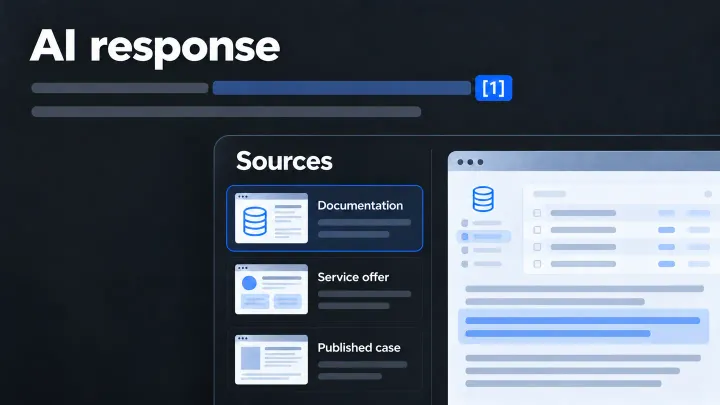
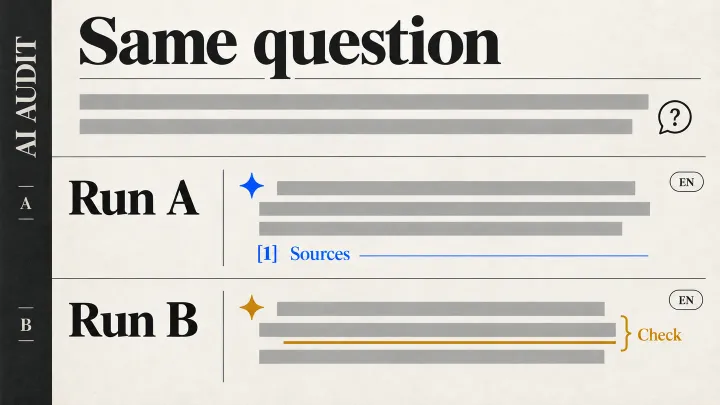
You can then ask the same questions in an assistant with web search. Keep its answer, the links shown, the date and the service used. One answer gives you an observation. Repeating the exercise helps show whether a description recurs. This small set of questions does not represent every search your future customers may make.
Choose the first correction
Start with information that could mislead a buyer: a poorly described service, an omitted responsibility or an outdated offer. A new article becomes useful when an important question remains unanswered.
Later, you can follow visits and enquiries. An appearance in an AI answer does not, by itself, count as a customer or revenue.
The English workbook provides a place to keep your questions, the answers received and the corrections to make. The next article explains how to examine the pages an assistant offers as sources.
The ten articles in this series
Was this article useful to you?
Your feedback goes privately to TechnoConception. No account or email is required.
How this feedback is handled
Responses expire after 90 days. They are not published or used as sales enquiries. A daily pseudonymous network identifier expires after 24 hours to limit abuse. Expired records are deleted by an hourly cleanup. The feedback database does not store your IP address; hosting security logs may still process it.
This browser stores only a receipt and your rating until the response expires, to reduce accidental duplicates. It does not store your comment or editing key. You can update a response during this page visit; after leaving, it becomes read-only in this browser.
Privacy policy